Can an AI Coding Agent Build an Android App? One Prompt, 7 Runs
We gave OxCode one prompt to build a native Android gallery app. It estimated about 12 runs and completed the app in 7. The source code is public. Here’s what it built, what still needs work, and what this shows about using an AI coding agent for Android development.
The Android app brief
The project started in a discussion on r/indiehackersindia about OxCode’s run-based pricing. OxCode charges by runs rather than tokens or credits, and the free plan includes 15 runs a day. One commenter also asked how users could know which model handled a task and what they were paying for.
The question was fair: if an AI coding agent hides the model name, how can users judge the value? Rather than turn the discussion into a debate about model labels, I wanted to show what OxCode could do with a substantial Android app brief.
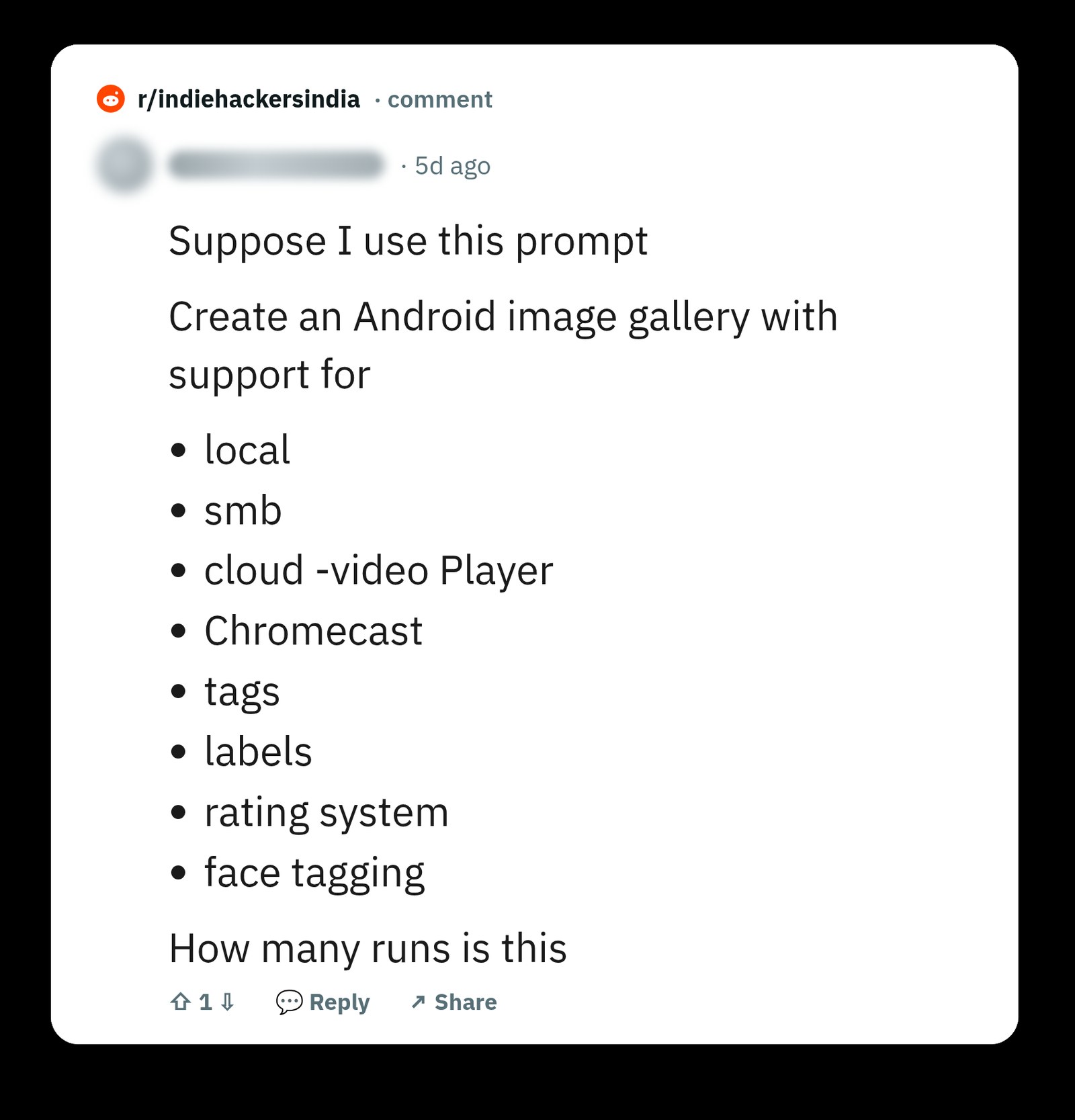
To make the discussion concrete, the commenter shared this prompt for an Android gallery app and asked how many runs it would take:
Suppose I use this prompt
Create an Android image gallery with support for local, smb, cloud-video Player, Chromecast, tags, labels, rating system, face tagging
How many runs is this
That's a real app, not a to-do list. Local storage, network shares, cloud sources, a video player, casting, and on-device face detection: each one has its own permissions, libraries and gotchas.
Planning the Android app before coding
I gave OxCode the exact prompt. Before writing code, it checked the workspace and returned a plan in under a minute: about 12 runs, with a defined deliverable for each.
It also flagged problems before they became problems:
- The Android SDK wasn't installed on the machine. Without that, nothing builds.
- SMB licensing. Some SMB client libraries carry licences you need to think about before you ship.
- Chromecast receiver setup. Casting local or network files needs something the Chromecast can actually fetch from.
- Play Store policy on face recognition. Face features come with policy and privacy obligations.
- Android storage permissions, which changed across Android versions and differ for photos versus videos.
Then it asked whether to start the full build, or scope down to an MVP first (runs 1 to 5).
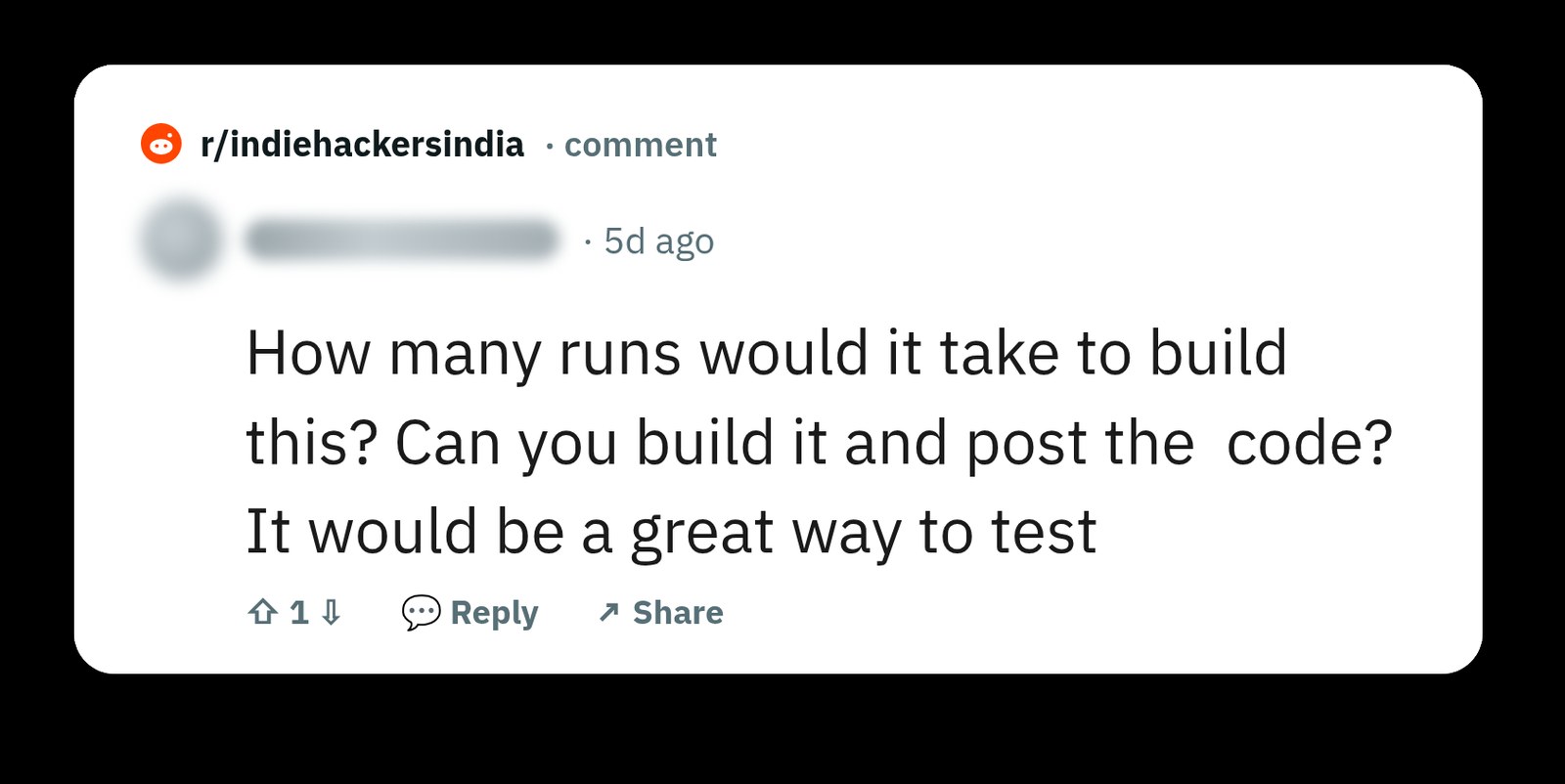
I shared the estimate. The commenter then asked OxCode to build the app and publish the code:
How many runs would it take to build this? Can you build it and post the code? It would be a great way to test
I took that as the project brief.
How an AI coding agent estimates Android app development
The estimate gives developers a clearer picture of the work before coding begins. OxCode checked the workspace, found that the Android SDK was missing, and flagged difficult areas such as SMB licensing, Chromecast setup, face recognition policy, and storage permissions. That context helped shape the plan and identify setup work early.
Planning before coding also helps expose assumptions and missing dependencies. The estimate came from breaking the app brief into tasks, not from guessing after the work was done.
Building the Android gallery app
It took 7 runs. (That's our count from the session. The public repo is a single commit, so it doesn't show the individual runs.)
The result is a native Android app:
- Kotlin + Jetpack Compose, about 6,500 lines across 53 Kotlin files, in a conventional layered structure: Room database, a repository layer, per-screen ViewModels.
- Sources: the local device library, plus SMB/NAS, WebDAV and Google Drive (read-only).
- Video player (Media3), with a custom data source for remote files.
- Chromecast, using a small built-in LAN server so the Cast device can stream local and network media.
- Tags, star ratings, favourites and search.
- Face detection on device, with suggested grouping. The README is upfront that grouping is a heuristic and you name people yourself.
- Albums, a light/dark theme, and an adjustable grid size.
- Credentials kept out of the database in encrypted preferences, and "remove from library" never deletes your originals.
Here it is running on an Android emulator: photo grid, the full-screen viewer with ratings and tags, albums, the People screen, and the theme switching between dark and light.
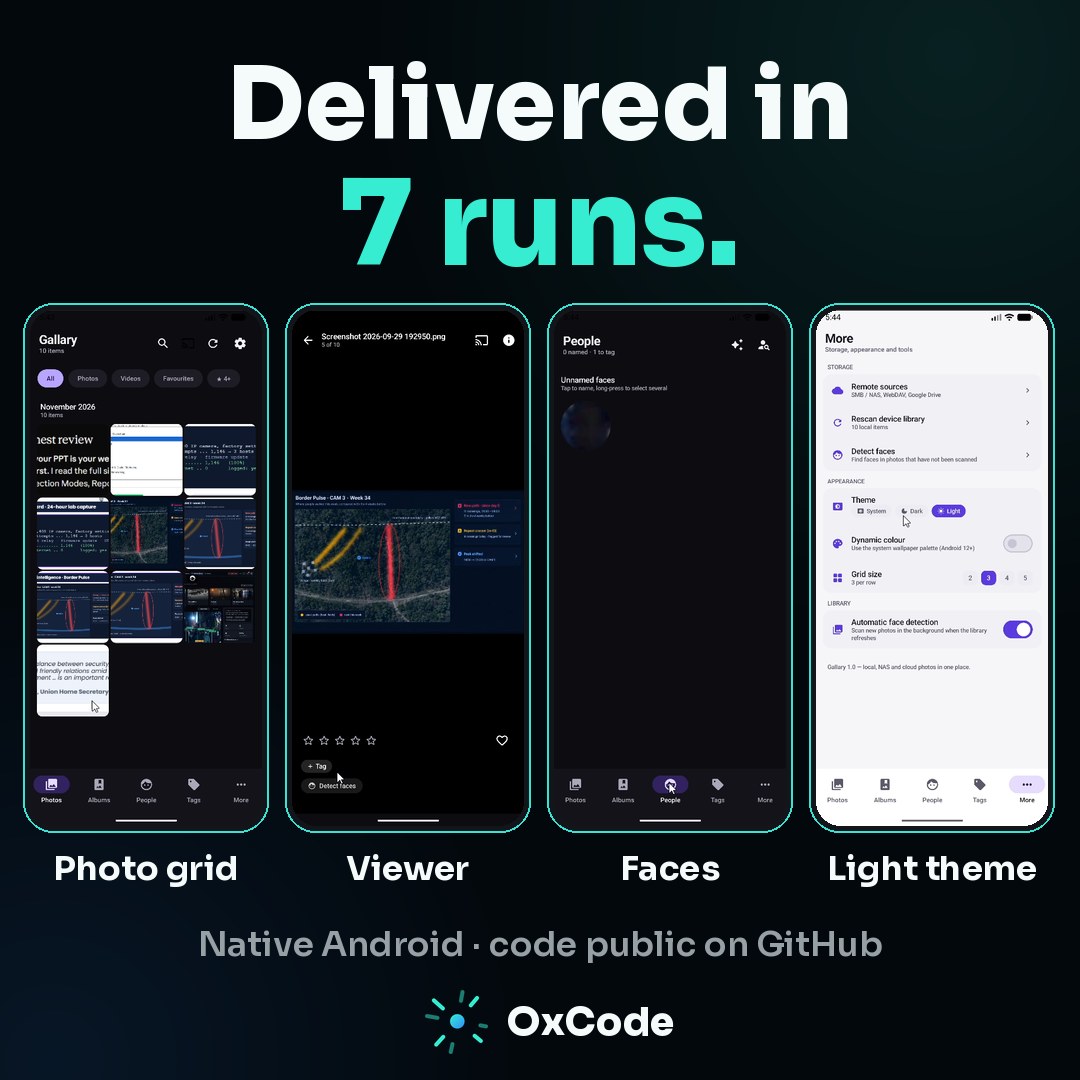
The code is public: https://github.com/h30s/Gallery
What the AI-built Android app still needs
A useful account of an AI-built Android app should include its limitations. Here is what this build is not:
- Not tested. There are no unit or UI tests in the repo yet.
- Only run on an emulator. We haven't tried it on a real phone, a real NAS share or a real Chromecast.
- Not a clean checkout-and-build. The Gradle wrapper isn't committed; let Android Studio generate it first.
- Not production-hardened. A careful review turns up things you'd fix before shipping, such as cleartext traffic being allowed app-wide for the casting server, and a fallback to unencrypted storage if encrypted preferences fail to initialise.
- Posted as it came out. We didn't polish the repo after the fact, typos included, because the point was to show the output, not a cleaned-up version of it.
What it is: a structured, feature-complete starting point for a hard brief, from one prompt, with the cost known before the first line was written.
What a run means in AI-assisted app development
For this Android gallery app, here is how OxCode counted the work:
A run is one task, start to finish. You ask for something. OxCode reads the relevant code, makes the change, checks its own work, fixes what it finds, and hands back a summary of the files it changed and the checks it ran. All of that is one run, no matter how many steps or tokens it takes inside. If you then ask for a change, that's a new run.
For the gallery, that means:
- The prompt went in once. The first thing OxCode did was not code; it was a read of the workspace and a plan: roughly 12 runs, each with a defined deliverable.
- Each run delivered a defined piece of the app. Each one was a task that started, got checked by OxCode itself, and finished with a summary.
- The total came in under the estimate. 7 runs against an estimate of about 12. Estimates can go the other way too; the point is you see the number before you commit, not after.
So what did this build cost? 7 runs, which fits inside a single day of OxCode's free plan (15 runs a day). No token meter to watch, and no surprise bill for the long tasks.
How run-based pricing works
Token pricing reflects what a provider charges, but the total cost of a complex task can be hard to predict in advance. A run gives the user a clearer unit: one request, completed and checked. That makes it possible to estimate how much work a feature or app may take before building starts.
A token-based plan may suit some developers better. In this example, the cost was easier to estimate in runs: OxCode projected about 12 and used 7. The code is on GitHub for anyone to inspect.
Explore the Android app source code
- The app: https://github.com/h30s/Gallery. Clone it, break it, open issues.
- OxCode: https://oxcode.ai. Try your own hard prompt and see what the estimate says before anything gets built.
- The original thread with the full back-and-forth: https://www.reddit.com/r/indiehackersindia/comments/1xhpaf5/comment/19rzbw3qrkf2b/
If you want to evaluate the build yourself, clone the public repo, inspect the implementation, and try it in your own Android development environment.
What this Android app build shows about AI coding agents
One prompt produced a substantial native Android gallery app in 7 runs, below OxCode’s estimate of about 12. The public repository lets developers inspect the Kotlin and Jetpack Compose implementation instead of relying on a demo.
The app is not production-ready: it has no unit or UI tests, has only been run on an emulator, and needs security and build setup work before release. Developers still need to test AI-generated Android code on real devices, review dependencies, and harden the app before shipping.
When evaluating an AI coding agent for Android development, look for:
- A plan and clear estimate before coding
- An inspectable codebase and honest test results
- A clear list of what still needs review before release
These checks matter more than a polished demo when deciding whether AI-generated Android code is ready to build on.